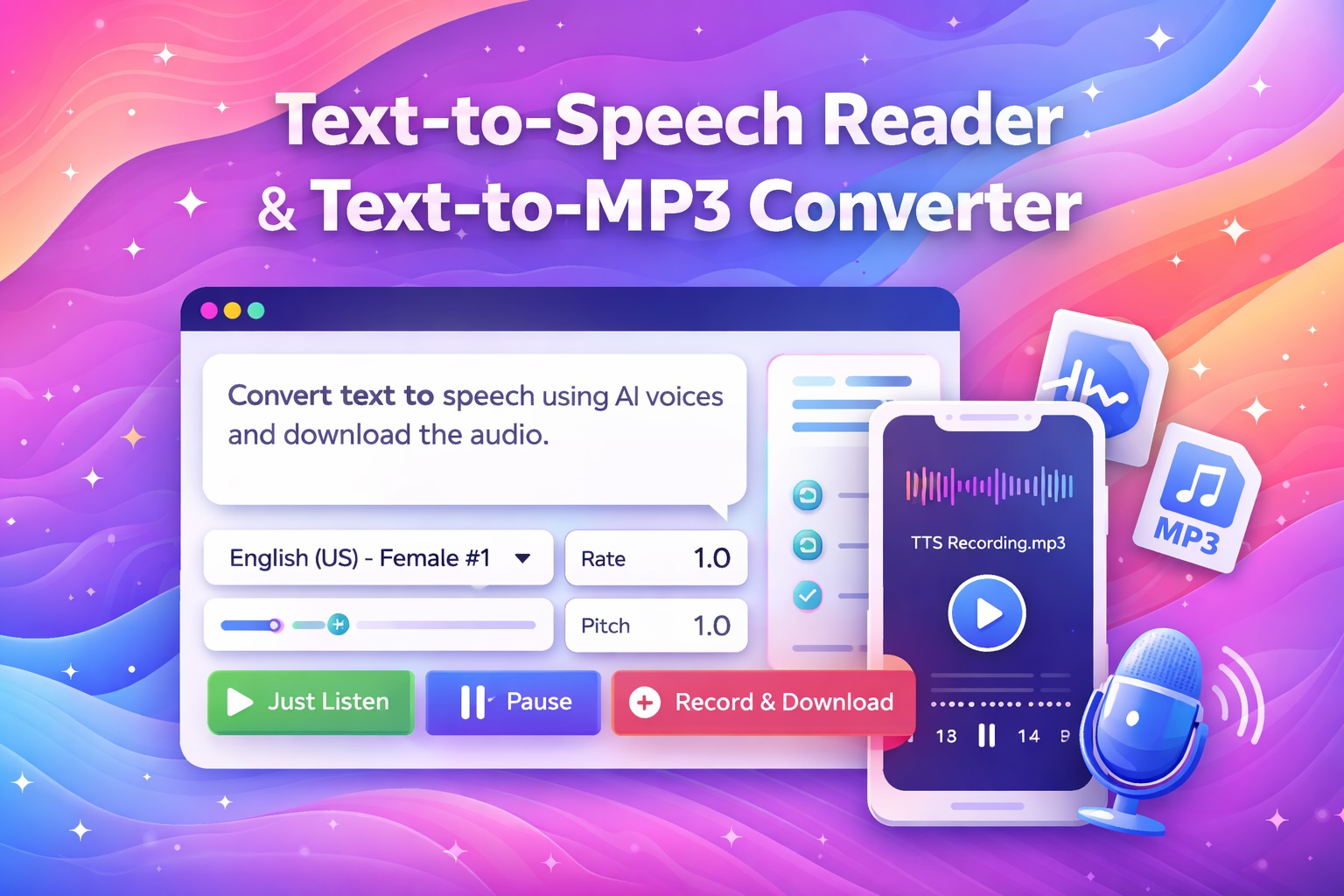
Text to Speech Reader and Text to MP3 Converter
🔊 Text to Speech Reader
Text to MP3 Converter (Max 200 Characters)
🎵 Text to MP3 Converter
Generate audio files directly via API. No recording needed.
Text to Speech Reader and Text to MP3 Converter
Convert your text into natural-sounding speech in seconds. Whether you are creating voiceovers for YouTube/TikTok videos, checking pronunciation, or making your content accessible for the visually impaired, the AlphaSEOTools TTS Generator does it instantly.
Unlike other tools that require you to “record” your screen, this tool accesses the audio engine directly to generate a clean, high-quality MP3 file that you can download and use anywhere.
How to Use the Text to Speech Tool
- Enter Your Text: Type or paste your script into the box (up to 200 characters at a time).
- Select Language: Choose your desired accent/language (English US, UK, Spanish, French, etc.).
- Generate: Click the “Generate Audio” button. The tool will instantly convert the text to speech.
- Listen & Download: Use the player to preview the voice. If you like it, click “Download MP3” to save the file to your device.
Key Features
- Instant MP3 Download: No need to use a microphone or screen recorder. Get a direct audio file.
- No Login Required: We don’t ask for your email or credit card. It is 100% free.
- Multi-Language Support: Generate audio in English, Spanish, German, French, Hindi, and Portuguese.
- Mobile Friendly: Works perfectly on iPhone, Android, Windows, and Mac.
Why Use Text to Speech for SEO?
- Accessibility: Adding audio versions of your text helps users who have difficulty reading or are visually impaired.
- Video Content: You can use these audio clips as voiceovers for social media videos without needing to buy expensive recording equipment.
- User Engagement: Some visitors prefer listening to summaries rather than reading long blocks of text.
Frequently Asked Questions
Why is there a character limit?
To keep this tool free and fast, we limit individual generations to short clips (approx. 200 characters). For longer scripts, simply break your text into sentences and generate them one by one.
Can I use the MP3 files for YouTube?
Yes. The generated audio is clean and can be imported into video editors like Premiere Pro, CapCut, or iMovie for your projects.
What if the download opens in a new tab instead of saving?
Depending on your browser settings, the audio might open in a black player window. If this happens, simply Right-Click on the player and select “Save Audio As…” to save the MP3.
Check out our other Web Tools here