Website Screenshot Generator: Free & Fast
Free Website Tool
Website Screenshot Capture
Paste any public URL and get a full-page preview image — no signup, no software, works right in your browser.
✓ Works on any public webpage. Pages behind a login, or extremely long infinite-scroll pages, may not capture fully — this uses a free public preview service rather than a paid rendering engine.
Table of Contents
Get Pixel-Perfect Site Snapshots Instantly
Do you need a high-quality capture of a landing page for a presentation, a portfolio, or an SEO audit? Our Website Screenshot Generator allows you to take instant, high-resolution snapshots of any URL without installing any browser extensions or software. Whether it's a mobile view or a full desktop layout, we’ve got you covered.
Why Use Our Website Screenshot Generator?
Capturing a screenshot sounds simple, but capturing a full-page or a high-definition version of a site is difficult with standard "Print Screen" buttons.
- Full-Page Capture: Don't just capture what is visible on the screen. Our tool can scroll through the entire page to give you a complete top-to-bottom image.
- No Watermarks: We believe in professional tools for everyone. Your screenshots are clean and ready for commercial use.
- Super Fast Rendering: Our high-speed servers render the webpage in seconds, even if it has heavy JavaScript or animations.
- Perfect for SEO Audits: Visualizing how a page looks to a user is the first step in a professional SEO audit.
Pro SEO Tip: Optimize Your Screenshots
Once you have generated your screenshot, the file size can be quite large because of the high resolution.
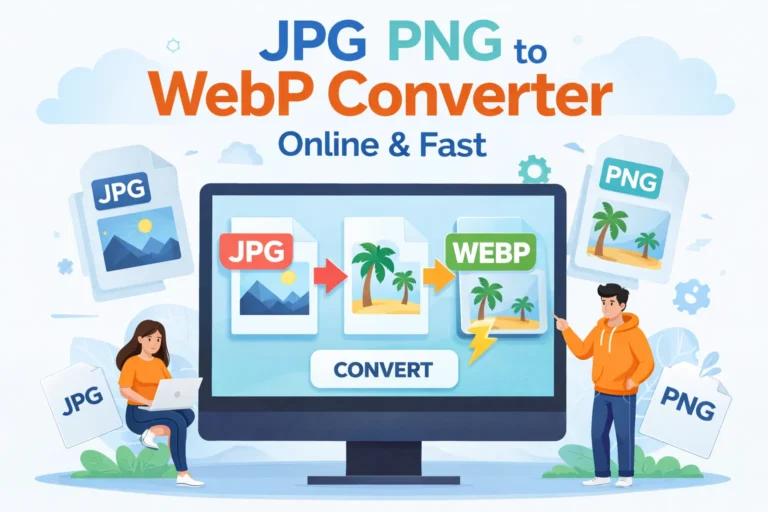
Internal Link: To ensure your website remains fast, we highly recommend running your new snapshot through our JPG PNG to WebP Converter. Converting your screenshots to WebP will reduce the file size by up to 80% without losing any visual clarity!
How to Capture a Website Screenshot
- Enter URL: Paste the full website address (including https://) into the input box.
- Select Device: Choose between Desktop, Tablet, or Mobile view to check responsiveness.
- Generate: Click the "Capture Screenshot" button.
- Download: Save your image directly to your device in high-quality JPG or PNG format.
Use Cases for Website Screenshot Generator
- Web Designers: Show off your work in your portfolio with full-page captures.
- Marketing Agencies: Send visual reports to clients showing their live website or ad landing pages.
- Content Creators: Capture high-quality images for blog posts and social media without the clutter of a browser window.
- SEO Experts: Document search engine results or site errors for technical reports.
Frequently Asked Questions (FAQ)
Can I take a screenshot of a password-protected page?
No. For security reasons, our Website Screenshot Generator can only access publicly available URLs. It cannot "log in" to private dashboards or social media accounts.
Does this tool support mobile views?
Yes! You can toggle between different screen resolutions to see exactly how a website looks on a smartphone or a laptop.
What format are the screenshots saved in?
By default, screenshots are saved as high-quality PNGs to preserve text clarity. If the file is too large, use our internal WebP converter to shrink it.
Is there a limit to the length of the webpage?
Our tool can handle most long-form sales pages and blog posts. Very "infinitely scrolling" pages may be cut off at a certain height to maintain image stability.