Website Page Speed Optimization Tips 2026
Table of Contents
Are most visitors to your website leaving before engaging with your content? Learn page speed optimization tips to enhance your website.
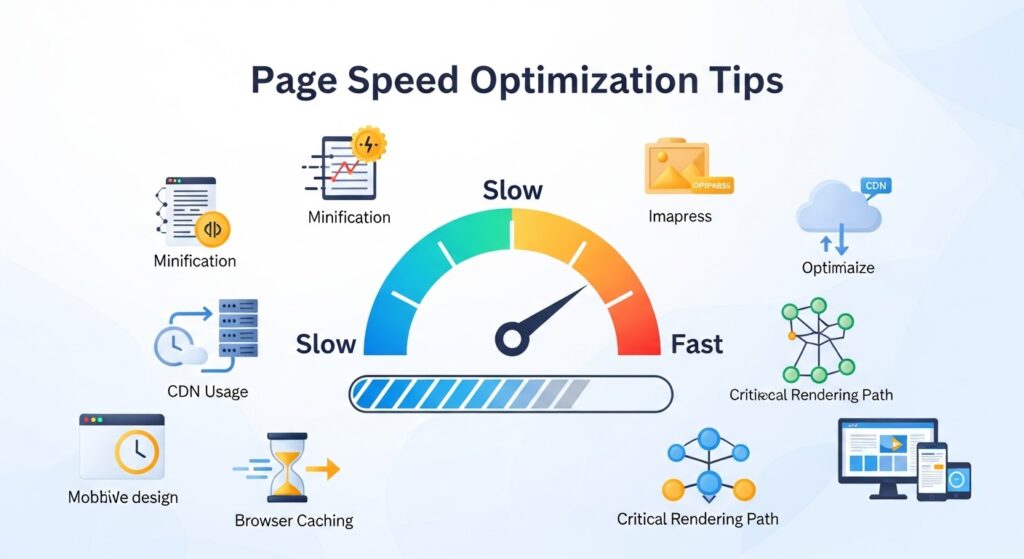
Defining Page Speed
In this age of immediate access, your website speed impacts your visibility and presence online. Page speed is defined as the time required for a webpage to load all its content. Although this is a technical detail, it impacts user experience, your website’s bounce rate, and your ranking in search engines. Research shows that users want a webpage to load in two seconds; anything longer will result in users abandoning your website. This results in the loss of potential users.
Both the user experience of a site and its velocity impact SEO, and the two are intertwined. Search engines consider load speed of web pages a ranking variable. Pages that load on a slower basis are penalized in search ranking, having a lower position in the search. Thus, when people search the web, pages that load faster will be higher in ranking, getting more traffic, even if it’s the same content. In addition, user experience is largely determined by speed. People will have higher satisfaction if a page loads quickly, resulting in extended browsing. If pages are too slow, they will leave the page and go find alternatives. In the end, speed is an important factor of page optimization.
Main Elements that Impact Page Speed
Web pages take time to load because of multiple reasons. Knowing website resources can help you optimize your website performance. Site resource size and complexity affects website load time. Large files such as videos and high-quality image files slow load time of webpages. Also, load time can be affected by the number of HTTP requests that your webpages make. A single request for resources like images, scripts, and stylesheets can increase total loading time.
Another element that can be affected by page speed is the performance of the server. Web hosting affects the speed of your website. If your server responds slowly, your website will be loading pages slowly for your users. Servers that are heavily loaded are particularly important for high-traffic websites.
The distance of users from the server can cause network and connectivity issues and slow down webpages. In the case of international customers, access times are likely to be longer if your server is far from them. Implementing content delivery networks (CDNs) can minimize the distance-related problem since they store and provide content from different locations to provide faster access to customers from all over the world.
Measuring Tools for Your Website’s Page Speed
Websites need to be measured to know their level of optimization and speed. Multiple resources can assist in assessing and pinpointing optimization in order to boost speed. Google PageSpeed Insights is one of the most well-known resources. This application offers detailed insight and reports on the speed of the web page for mobile and desktop versions, as well as mobile optimization and performance. It examines several components, including server response times, browser caching, and image optimization, and provides informative constructive feedback on how to improve speed performance.
GTmetrix is a valuable websites performance analysis tool that provides insight about your websites load times, performance metrics, and factors that could be optimized to improve performance. GTmetrix provides a comprehensive analysis of a websites performance and provides you with a list of items that could be impacting your websites performance, as well as suggestions on how to mitigate or eliminate the performance impacts. Furthermore, GTmetrix provides you with a waterfall chart that illustrates the order and length of each HTTP requests over time and aids you in the identification of specific performance bottlenecks.
Pingdom is a similar web page speed measurement tool that analyzes the availability and performance of your web page from various locations around the world to provide you with a global viewpoint on the performance of your web page. They provide data analytics that report various web page performance issues, including images that are not optimized, too many HTTP requests, and server requests that take longer to respond. With the data that Pingdom provides, you are able to make significant improvements to the performance of your web site and the overall experience that your visitor will have.
Images can be the largest object on a web page and improperly optimized images can drastically slow your site. To have images that will load quickly, you should use tools like TinyPNG and ImageOptim to compress and resize your image files to be smaller, but still maintain a reasonable quality. Also, web performance may be improved by using the correct image formats, for example, use JPEG for images of photographs and use PNG for images and graphics that have transparent backgrounds.
Another way to improve the loading speeds of images is using the responsive image technique. This method uses the HTML attribute ‘srcset’ which enables the browser to choose an image from several available options, which is most appropriate based on the user’s device and screen resolution. This technique ensures that images of appropriate sizes are delivered to various devices. Consequently, users are afforded the benefits of reduced loading times because less data has to be transferred.
The most improved loading times of images is attributed to the technique referred to as ‘lazy loading.’ This means that images load only when they are about to appear in the viewport. This technique centers on avoiding loading all images at once when the landing page loads. Instead, it shifts the focus to loading other sections of the page, which has the effects of reducing the overall time taken to load the page. This method is best applied to pages with a high density of images. To use lazy loading, you can implement JavaScript libraries or you can use the native HTML attribute loading=”lazy”.
Overall Website Optimization
The use of scripts, stylesheets, and images on your website incur individual HTTP requests from users’ devices. To improve page speeds, these requests should be minimized. A practical method of minimizing HTTP requests is file consolidation. A case in point is merging several individual CSS files to create one super CSS file; that way, the browser has fewer requests to make. The same benefits can be realized through the merging of JavaScript files.
Another way to reduce server response time is to enable server-side compression. When files are compressed before being sent to the browser, the files take less time to transmit. Compression techniques such as Gzip and Brotli can be installed on your server. This helps your web pages load faster, as there is less data to be transferred.
Response time can be improved by optimizing your server settings. For example, switching to a faster web hosting service or using a dedicated server can provide some improvement. Also, the user experience can be enhanced by configuring your server to load and prioritize the essential content first. When combined with fewer HTTP requests, effective server management also helps create a speedy website.
Improving Performance with Browser Caching
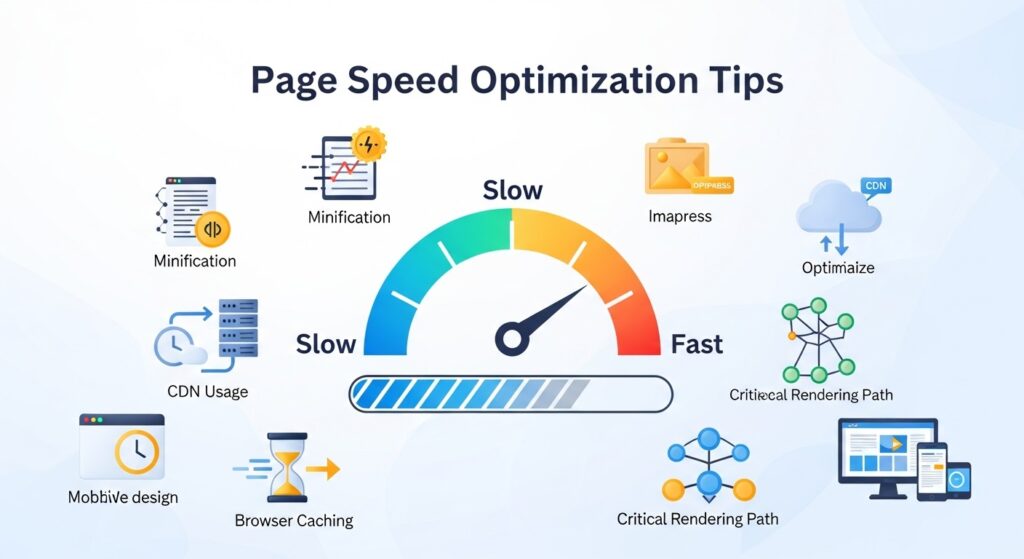
With browser caching, a user’s local device saves some of the resources they have accessed in the past, which can reduce the amount of server requests when they revisit the site. It can improve user experience by reducing the load on the server and increasing page speed.
Understanding browser caching has many nuances. Configuring our server to use cache-control headers and expires headers indicates to the browser how long to store a resource. If we assign greater caching time for static resources on our pages, such as images, stylesheets, and scripts, we reduce the need to make new requests for those resources.
Service workers are another technique to manage browser caching. Service workers are scripts that a browser runs in the background of a user’s web application. They can enable more sophisticated caching features, like caching resources that are requested, so that those resources can be delivered from the cache when the user revisits. As a result, the user experience can be improved considerably, especially in scenarios where connectivity is intermittent or poor.
Employing Content Delivery Networks (CDNs)
A Content Delivery Network (CDN) is a distributed network of servers that can serve web content to a user based on the user’s geographic location. CDNs alleviate latency issues and improve page speed by caching static assets of websites (images, stylesheets, scripts, etc.) on servers around the globe and serving those assets to users.
Choosing a CDN vendor includes setting up a Cloudflare, Amazon CloudFront, or Akamai account and configuring your website to use their services. Integration with major web development frameworks is often provided, and setup is usually accomplished with a few clicks. After completing the integration, a CDN will push your website’s content to its servers to enhance response time and content delivery.
While the primary use of a CDN is to enhance website speed, it contributes to other areas of website functionality. A CDN increases the security of your website services by providing DDoS mitigation and SSL certificates, so your website remains protected and available. A CDN also enhances your website’s ability to handle traffic, eliminating the likelihood of server overload and maintaining quick server response times, even during busy times. Utilizing a CDN will increase the speed, dependability, and safety of your website.
Strategies for the Optimization of HTML, CSS, and JavaScript
Coding the website’s backend is just as essential to page speed as optimizing frontend image compression and the delivery of CSS and JavaScript. The creation of clean, organized, and efficient HTML, CSS, and JavaScript code increases website performance. One of the popular methods for code optimization and speed improvement is code minification. This process removes code that is visually unnecessary (thanks to human readers), and uses fewer bytes, all while maintaining the exact same functionality. It is possible to automate the minification of code using HTMLMinifier, CSSNano, and UglifyJS.
Another important consideration for site optimization is the asynchronous loading of JavaScript. With the attributes “async” and “defer,” JavaScript files can be prioritized so that other elements of the site can be rendered without being blocked by the JavaScript files. Content can then be loaded more efficiently. defer and async attributes are especially useful for large JavaScript files that would otherwise add considerable time to the initial page load.
Optimizing CSS consists of minimizing the size and complexity of the stylesheets being used. CSS modularization is one technique that breaks stylesheets into smaller and reusable components, and improves load time by streamlining code. Additionally, by skipping inline styles and using external styles, one can better utilize CSS caching and minimize the number of loads that are required. Following the best practices in optimization for HTML, CSS and JavaScript will result in more efficiency and speed in web design.
Strategies for Improving Speed on Mobile Pages
Given the rising number of visitors to websites through mobile devices, it has become necessary to focus on optimizing mobile page speed. Further, mobile users are more likely to have slower networks and low processing speed while using the devices, placing even more of a premium on the importance of speed optimization. One of the more effective techniques is the use of responsive design, as it handles the adaptation of the website to fit varying screen sizes and different resolutions. Further, responsive design lessens the problem of having to scroll and resize web pages making for an improved user experience.
Another significant consideration with mobile web pages has to do with optimizing the actual size of the pages. The less data that needs to be downloaded to access the page, the faster the page will load for mobile users. The sizes of the web page can be optimized by using, for example, compressed images, lazy loading, and even lightweight fonts. Improving the site’s HTML, CSS, and JavaScript for mobile devices can also positively impact performance, for example, using media queries to apply different CSS styles for different screen sizes.
Another powerful method for mobile site optimization is the inclusion of Accelerated Mobile Pages (AMP). AMP pages provide a set of guidelines for sites to be able to optimize their mobile pages for speed. AMP pages speed up mobile page loading times by optimizing images, using efficient caching strategies, and minimizing the CSS and Javascript. Given that AMP pages do all this, they provide a mobile browsing experience that is fast and efficient, and users will appreciate that.
Conclusion: The Effect of a Site’s Loading Speed on Visitor Satisfaction and Search Engine Ranking
As we stated in this paper, there many factors that go into the optimization of a web page. One of the most important factors is the speed at which the web page loads, as it affects the visitor experience. When a visitor arrives at a web page and it loads quickly, this fosters in the visitor a sense of responsiveness and efficiency. This experience increases the likelihood that the visitor will remain on the page, thereby creating the potential for the visitor to view additional pages that are linked to the web site or to even perform a transaction on the site.
When a web page takes a long time to load, this leads to the opposite experience, and the visitor is at risk of becoming frustrated and leaving the site altogether. In this situation, the web page would have lost a valuable visitor.
Website page speeds remain an integral part of SEO. Google, for instance, include page speeds as part of any website’s ranking criteria; meaning, the faster the website loads the higher it ranks on the search results. Consequently, speed optimization improves a website’s visibility in search results. Increased visibility improves the website’s overall performance as a result of the increased organic traffic. Thus, page speed optimization is inextricably linked to SEO and increasing traffic to the website.
Page speed optimization has a plethora of benefits besides the obvious technical enhancements. Search engine results, user experience, and engagement all improve as the website becomes faster. Following the strategies discussed in the article, the website is guaranteed to improve its performance in the online arena. Page speed has the potential to transform the website’s overall performance.