Free PNG to WebP Converter: Half the File Size, Zero Compromise
By Alpha SEO Tools | May 2026
PNG is excellent for design. It is also three to four times heavier than WebP. That weight costs ranking position. A good PNG to WebP converter does not ask you to choose between quality and performance. It gives you both.
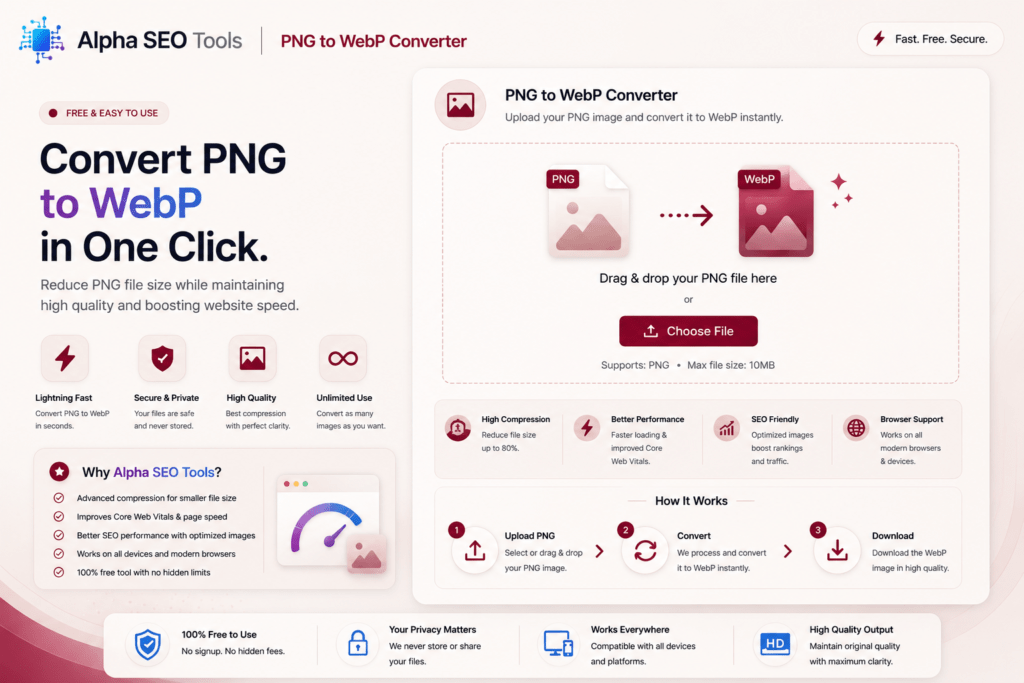
The free PNG to WebP converter at Alpha SEO Tools converts in your browser with no server upload, no software, and no account. A smaller, faster, ready-to-use WebP file in under thirty seconds.
| 45%max file size reduction converting PNG to WebP | 2xfaster page load compared to unoptimised PNG | 100%transparency preserved in WebP lossless output |
The PNG Problem Every Website Owner Has
PNG stores every pixel at full fidelity. That is exactly what you want for logos, icons, and anything with sharp edges. What you do not want is the file size that comes with it.
According to Google’s PageSpeed Insights, PNG files are among the most flagged assets in any site audit. The recommendation is always next-gen formats. A PNG to WebP converter is the most direct path from the problem to the solution.
Why PNG Files Specifically Benefit From This Conversion
The reason a PNG to WebP converter cuts deeper than converting JPG because PNG is uncompressed. WebP’s lossless mode finds far more to trim, typically 40 to 45 percent off with no visible change.
WebP supports full alpha channel transparency. Your icons and logos work identically. Using a PNG to WebP converter does not mean giving up the features that made PNG the right choice in the first place. It means keeping them at a fraction of the file weight.
Who Reaches for a PNG to WebP Converter Every Week
The people who benefit most from a reliable PNG to WebP converter are anyone publishing images with transparency or sharp edges on the web:
UI and UX Designers
Interface elements, icons, and illustrations almost always live in PNG. Converting them to WebP before handing assets off to developers reduces the production site’s image payload without any rework on the design side.
Searching For Some Aesthetic Captions; Check Out Caption Haze
WordPress and CMS Developers
WordPress serves PNGs as uploaded with no automatic WebP conversion. Running files through a converter before upload is cleaner and more reliable than any server-side plugin.
E-commerce Operators
Product images with transparent backgrounds are almost always PNG and almost always the heaviest images on any store. Converting them directly improves page load time, conversion rate, and search rankings.
Technical SEO Professionals
A PageSpeed audit on almost any website flags PNG files. Recommending a conversion workflow backed by a free, accessible tool is exactly the kind of practical advice that builds client trust and delivers measurable results.
PNG vs WebP: A Direct Comparison
Here is everything you need to know about how these two formats compare across the dimensions that matter for web performance and design:
| What You Are Comparing | PNG | WebP |
| Average File Size | 100 KB baseline | 55 to 75 KB — up to 45% smaller |
| Transparency Support | Yes — full alpha channel | Yes — full alpha channel preserved |
| Lossless Compression | Yes | Yes — smaller than PNG lossless |
| Lossy Compression | No | Yes — extra size reduction available |
| Browser Support | 100% of all browsers | 94%+ of all modern browsers |
| Google PageSpeed Friendly | Partial — flagged in audits | Yes — native recommendation |
| Best For | Legacy support, icons | Web images, logos, UI elements |
| Core Web Vitals Impact | Negative at large sizes | Positive — reduces LCP time |
PNG’s only real advantage over WebP in 2025 is universal browser support. For legacy compatibility, PNG is a safe fallback. For everything else, WebP wins.
What Sets the Alpha SEO Tools Version Apart
Most online converters share the same problems: file caps, mandatory accounts, intrusive ads, or server-side processing with no visibility. The PNG to WebP converter at Alpha SEO Tools was built without any of those compromises.
* Conversion runs entirely in your browser, your files never leave your device
* No file size limit and no cap on the number of files you convert per session
* Full transparency support preserved in every WebP output
* Lossless WebP output by default so quality is never sacrificed
* Works on desktop, tablet, and mobile without any extension or plugin
* Completely free with no account, no watermark, and no usage tracking
When a PNG to WebP converter sends files to a server, you are trusting that service with proprietary assets. With Alpha SEO Tools the conversion is local. Nothing leaves your device. Nothing is stored.
The same interface also handles JPG to WebP, so one PNG to WebP converter session covers your entire image library regardless of the source format. Mixed batches of PNGs and JPGs convert together without switching tools.
Check The Free PNG to WebP Converter Given By Alpha SEO Tools: PNG to WebP Converter
How to Convert PNG to WebP in Three Steps
The PNG to WebP converter at Alpha SEO Tools is as straightforward as it gets:
- Open the tool at alphaseotools.com. No login, no sign up form, no pop-up.
- Upload your PNG file or files by clicking the upload area or dragging them directly onto the page.
- Download your WebP output. The converted file is ready immediately with full transparency intact.
For most PNG files the conversion and download completes in under twenty seconds. Larger files or batch conversions take slightly longer but there is no processing queue or artificial delay.
Complete Your Performance Workflow on Alpha SEO Tools
Once images are converted with the PNG to WebP converter, Alpha SEO Tools has every other tool a performance and SEO workflow needs:
* Website Screenshot Generator to capture your site after optimised images go live and verify the visual result
* Free Google SERP Preview Tool to check your search appearance after performance improvements are in place
* SEO Metadata Tracker to audit how pages look when shared socially, including the image preview quality
* Pixels to REM Converter for responsive image sizing during development work
* Online Color Picker Tool to sample accurate hex values from converted images during design handoff
External Resources
- Google web.dev: WebP Compression for the data-backed case Google makes for WebP as the standard web image format
- MDN: WebP Image Format for the full technical specification including transparency and compression modes
- Google Search Central: Core Web Vitals for the official documentation linking image performance to Google search ranking
Quick Answers For Most Asked FAQ’s
Does WebP keep the transparent background from my PNG?
Yes. The PNG to WebP converter at Alpha SEO Tools outputs lossless WebP by default. Alpha channel transparency is fully preserved. Your logo or icon will look identical.
How much smaller will my file actually get?
The PNG to WebP converter typically reduces file sizes by 40 to 45 percent. Complex illustrations compress particularly well, and simple icons with flat colour areas can see even greater reductions.
Is my file private during conversion?
Completely. The PNG to WebP converter runs locally in your browser. Files are converted on your device and never sent to any server. Most online converters upload first — this one does not.
Can I batch convert multiple PNG files at once?
Yes. The PNG to WebP converter at Alpha SEO Tools supports batch uploads so you can convert an entire folder of PNG files in one session. All output files download together when conversion is complete.
Smaller Files. Faster Pages. Better Rankings.
PNG is right for design. On the web it is a weight problem. Every PNG that could be WebP is slowing your pages and giving ground to faster competitors. A PNG to WebP converter removes that problem cleanly, permanently, and for free.
The free PNG to WebP converter at Alpha SEO Tools is live at alphaseotools.com. Upload a PNG, download a WebP, see the difference. Under thirty seconds. Permanent result.
Published by Alpha SEO Tools | alphaseotools.com | Free tools, zero sign up, always.