Free Public IP Address Checker: Find Your IP in One Click
By Alpha SEO Tools | June 2026
Every device connected to the internet needs an address — but the one shown in your network settings isn’t the one the rest of the world sees. Whether you’re troubleshooting a connection, setting up remote access, or just confirming your VPN actually did something, the fastest route to an answer is a public IP address checker.
The free public IP address checker at Alpha SEO Tools detects your IPv4 and IPv6 address the moment the page loads. No sign-up screen, no software download, and no ad-cluttered results page making you scroll to find the number you actually came for.
| 4.3B total IPv4 addresses ever allocated worldwideSource: IANA, 2011 | 0 software installs needed to use this toolAlpha SEO Tools | IPv4 + IPv6 both detected automaticallyAlpha SEO Tools |
Why Your Public IP Address Matters
Every device on your home or office network carries a private address — something like 192.168.1.14 — that only means something inside that network. The moment your traffic leaves your router, it gets wrapped in a different address: your public IP. That’s the identity websites see, the address your ISP assigns, and the figure that decides what content, access rules, or restrictions apply to your connection.
This is exactly the address a public IP address checker reveals. It’s the number support teams ask for when diagnosing a connection issue, the value a VPN is supposed to change, and the figure that determines whether a remote server, game host, or office firewall lets your connection through.
Looking For Some Premium And Classy Captions For Instagram Posts: Check Caption Eren
Who Relies on a Public IP Address Checker — and Why
A public IP address checker sits at the intersection of network troubleshooting, remote work, and everyday digital security hygiene. The use cases stretch well beyond IT departments.
Network Administrators and IT Support Teams
Whitelisting an address for a firewall rule, diagnosing a connectivity ticket, or confirming which exit address a remote office is using — all of it starts with a quick IP lookup. A public IP address checker turns a multi-step diagnostic into a single glance.
Remote Workers and VPN Users
If a VPN promises to mask your location, the only way to confirm it’s actually working is to check your address before and after connecting. Running a public IP address checker in both states is the fastest verification available — no command line required.
Gamers, Streamers, and Smart Home Device Owners
Setting up port forwarding for a game server, configuring remote access to a home security camera, or troubleshooting a smart home hub all start with knowing your current public address — which, on most home connections, can change without warning. A quick check settles it instantly.
With the Tool vs Without It
Here’s what changes across common scenarios when a dedicated public IP address checker replaces the usual workarounds:
| Task | Without the Tool | With the Tool |
| Remote access setup | Dig through router admin panel settings | Instant address shown on page load |
| VPN connection verification | Switch between sites, compare results manually | One look confirms the new exit address |
| IT support ticket diagnosis | Ask the user to run ipconfig or terminal commands | Send a link, get the answer in seconds |
| Port forwarding configuration | Search “what is my IP” across ad-heavy sites | Clean result, no ads or redirects |
| Checking IPv6 availability | Separate tools or technical commands | IPv4 and IPv6 shown side by side |
| Geo-restriction troubleshooting | Guesswork based on VPN server location | See the exact address services receive |
What the Alpha SEO Tools Version Does
The public IP address checker at Alpha SEO Tools was built for daily, practical use — not as a one-off demo. Here’s what it delivers:
• Detects and displays both your IPv4 and IPv6 address automatically, with zero input required
• Works instantly on desktop, tablet, and mobile browsers without any app or extension
• Zero account, zero sign-up, and no limit on how many times you check
• Refreshes accurately if your address changes after reconnecting or switching networks
• Clean, distraction-free interface with no ad placements crowding the result
• Because this public IP address checker lives inside the Alpha SEO Tools platform, every related diagnostic tool is one click away
How to Check Your Public IP in Two Simple Steps
The public IP address checker has no learning curve — there’s nothing to configure and nothing to enter.
1. Open the tool at alphaseotools.com. Your address displays automatically the moment the page finishes loading.
2. Copy the result. Both your IPv4 and IPv6 address (where available) are shown clearly, ready to paste into a support ticket, firewall rule, or remote access configuration.
That’s the entire process. No URL field to fill in, no button to click, no spinner to wait on.
Complete Your Workflow on Alpha SEO Tools
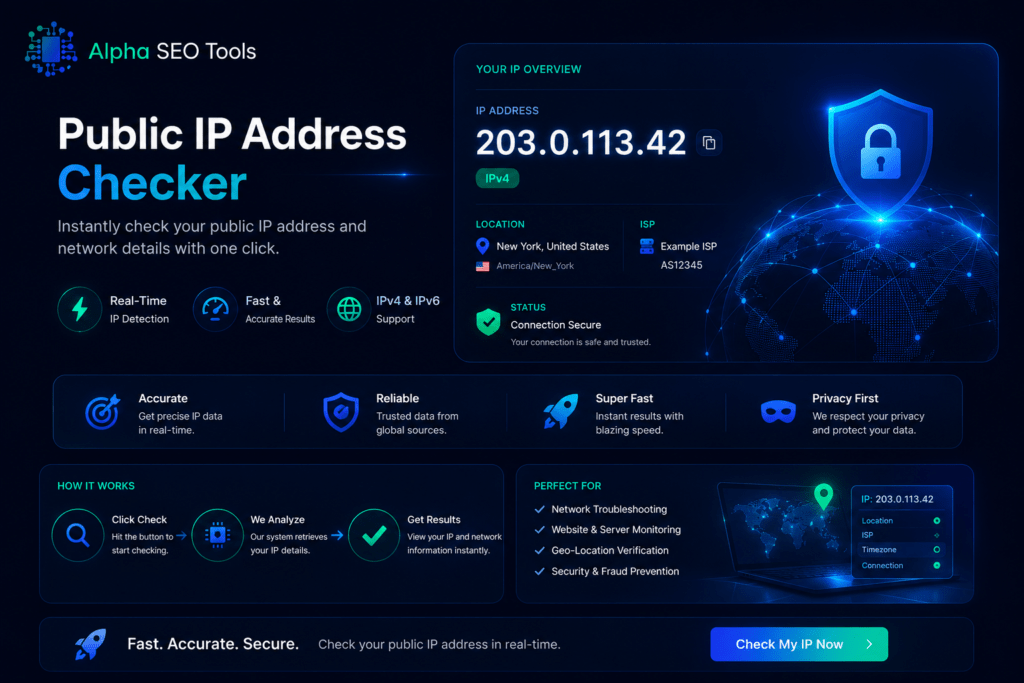
Once you’ve confirmed your address with the public IP address checker, these tools cover what comes next:
- Domain WHOIS Lookup Tool to check ownership and registration details behind any domain or server you’re connecting to
- Domain WHOIS Expiry Tracker to confirm a domain’s renewal status before relying on it for remote access
- Live Internet Speed Test to pair your IP details with real connection performance data
- Website Screenshot Generator to capture a visual record of any page while documenting a network issue
- Free Domain Extractor Tool to pull domains from a list of URLs during a wider network audit
Relevant External Resources
- IANA — Internet Protocol Address Space for the technical background on how IPv4 and IPv6 ranges are allocated globally
- Cloudflare Learning Center — What Is an IP Address for a plain-language breakdown of public vs private addressing
Quick Answers For FAQ’s
What’s the difference between a public and private IP address?
Your private IP address is assigned by your router and only has meaning inside your local network — every device on your Wi-Fi has one. Your public IP address is the one assigned by your ISP that represents your whole network to the outside internet. A public IP address checker shows the second one — the address that websites, game servers, and remote connections actually see.
Does this tool detect IPv6 as well as IPv4?
Yes. The public IP address checker at Alpha SEO Tools detects both IPv4 and IPv6 addresses where available and displays them side by side. Many networks now run dual-stack configurations, so seeing both gives you the complete picture.
Will my IP address change if I use a VPN?
Yes — that’s the entire point of a VPN. Running a public IP address checker before and after connecting is the simplest way to confirm the VPN is actually routing your traffic through a different exit point, rather than just showing a connected status.
Is this public IP address checker completely free with no account required?
Yes. There’s no sign-up, no email requirement, and no cap on how many times you can check. Open the page, get your address, and close the tab — that’s the entire transaction.
The Fastest Way to Check Your Public IP Address
Command-line tools need syntax you’ll forget by next Tuesday. Router admin panels bury the information three menus deep. Ad-cluttered “what’s my IP” sites make you scroll past banners just to find a number. A free, browser-based public IP address checker that returns an instant, clean result is the simplest option available — and it’s built right into Alpha SEO Tools.
The free public IP address checker at Alpha SEO Tools is live right now at alphaseotools.com. Open the page — your address is already there.
Published by Alpha SEO Tools | alphaseotools.com | Free tools, zero sign up, always.